
DOCUMENTS AND PREPARATION
Find what matters. Keep preparation moving.
Search, tag, redact, and prepare documents in one connected workspace. Make the evidence useful as you work, with preparation that carries into exhibits and presentation.

Prepare the documents as you work.
Build useful context with each task, from the first review through the next proceeding.
Keep the sources organized.
Bring the documents into a repository your team can use throughout preparation.
Search the text.
Use OCR and document text search to locate the material you need.
Tag key evidence and concepts.
Organize the issues and passages that matter so your team can return to them as the case develops.
Prepare redacted documents.
Handle redaction within the same workspace as the source material and exhibit preparation.
Apply Bates numbers.
Number documents as part of preparation, keeping identification within the workflow.
Build from the source.
Create exhibits while retaining their connection to the documents they came from.
Find the document that matters.
Search document text, open the relevant material, and tag the key evidence and concepts. Keep the context your team needs for continued review.
Redact as part of preparation.
Prepare redacted documents alongside the source material and the exhibits you are building. Keep the work moving toward the version your team needs for the next proceeding.
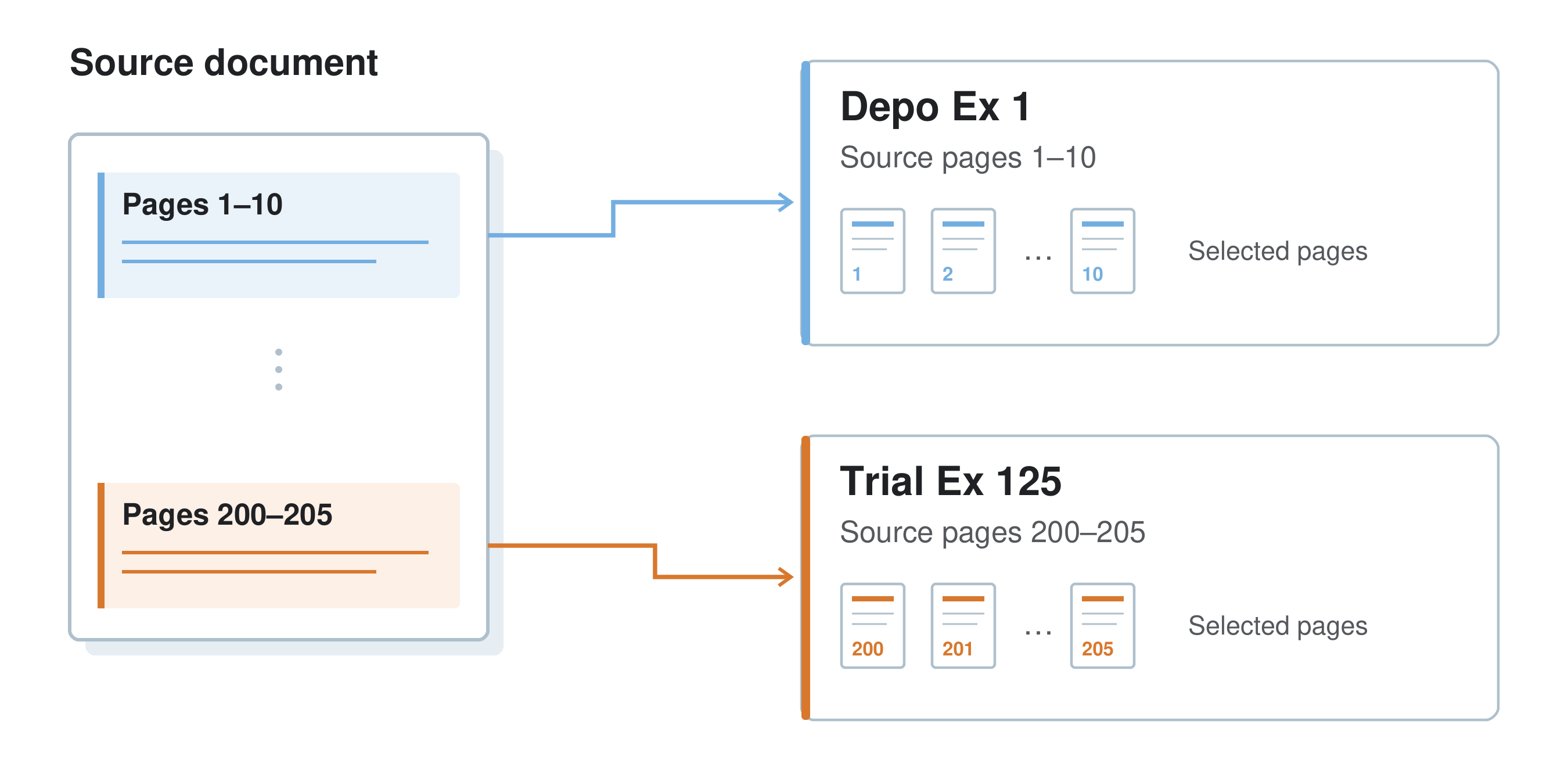
From source document to exhibit.
Use the documents you have reviewed to build exhibits. Keep the source relationship as you organize the exhibit, add notes, and prepare it for presentation.
Track what has been produced.
The Production Tab in Workspace keeps Bates numbers and ranges in view, identifies gaps in the sequence, and lets you export productions and mark the dates produced. Keep a record of what your team has sent and when, alongside the documents you are preparing.
Walk through your document preparation.
See how search, tagging, redaction, and exhibit preparation can support the work your team is doing now.