
THE LITIGEN PLATFORM
Connected evidence from discovery to trial.
Bring documents, deposition video, and other media into a workspace your team can use together. Find the evidence, build your case, and carry that preparation into the next proceeding.
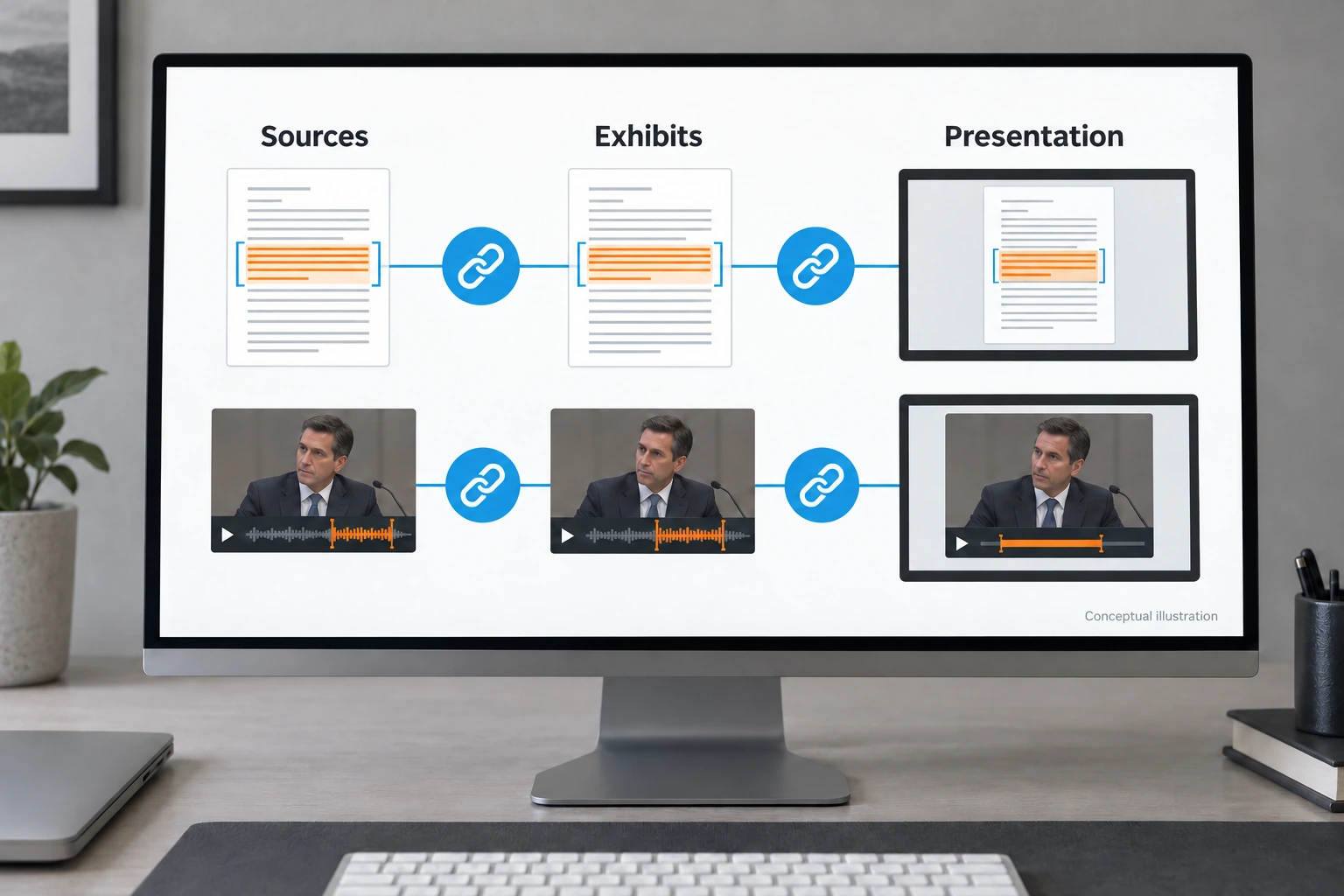
CONNECTED CATEGORIES OF WORK
Your preparation stays connected.
Keep evidence active from discovery through presentation.
- ACTIVATE
Make evidence ready.
Index and barcode evidence as you bring it in. Documents, exhibits, and clips in Workspace are ready for immediate presentation.
- REFINE
Build your case.
Search and tag evidence in Workspace. Create clips and designations in Studio, Litigen’s video review, clipping and designation tool, and organize exhibits to support your case.
- ENGAGE
Command the proceeding.
Put evidence in your lawyer’s hands. Present testimony and exhibits with simple tools, communicate clearly, and track exhibit use with ExMap.


One connected platform.
Enter where your work begins. Keep evidence connected as you collect, prepare, and present it.
Litigen Deposition Video Services · Capture testimony for the work ahead.
Premier deposition recording, connected to your evidence workflow. Litigen records the witness and displayed evidence as separate streams, giving you greater control over evidence display, editing, and publishing.
Import deposition recordings from other providers, too. Separate control of the witness and evidence views depends on Litigen’s two-stream recording.
LitVid & Studio · Review recordings and prepare testimony.
Keep depositions, dashcam footage, surveillance, and other audio and video recordings organized in LitVid, Litigen’s media repository.
Studio is the tool where you view synchronized transcript and video together, review and edit recordings, and make clips and designations. Studio projects keep your clipping work together and connect to cases in Workspace, where selected clips are activated for immediate use in Presentation.
Workspace · Prepare and activate your evidence.
Store documents and activated clips in one case repository. Search and tag evidence, apply Bates numbers, and track productions. Create and manage exhibits, track their use with ExMap, and bring evidence from Workspace into Presentation.
Presentation · Put your evidence on screen.
Simple, focused tools empower lawyers to command the evidence and communicate directly with the jury. Bring testimony and exhibits into view, establish the facts, and build trust through clear presentation.


COMMAND YOUR EVIDENCE
Simple tools are often the most effective.
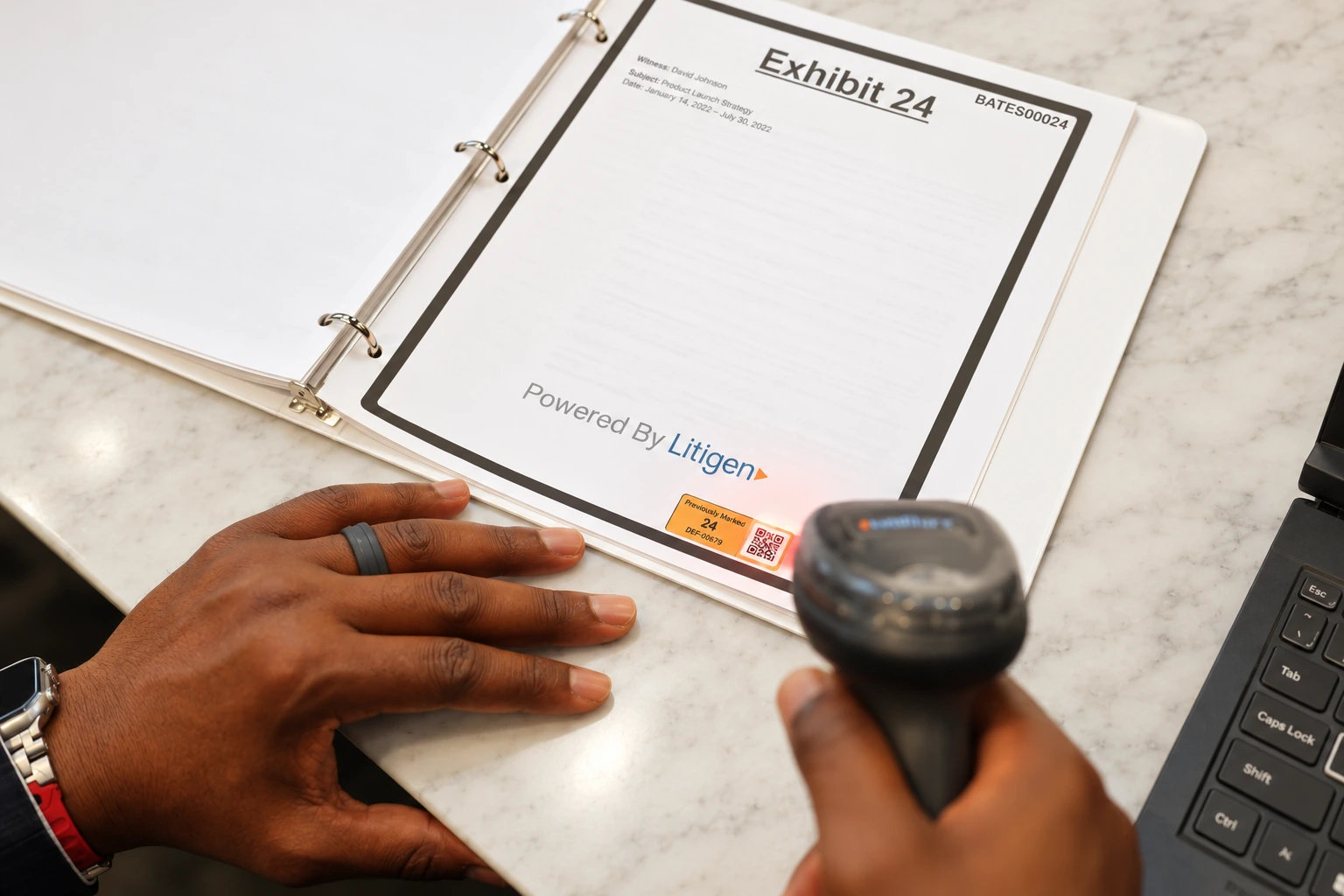
Barcodes put command of the evidence in your hands.
Scan a barcode from a printed page or a screen to bring the corresponding document or testimony into view.
Keep your attention on the evidence and your audience.
Exhibits stay connected to their sources.
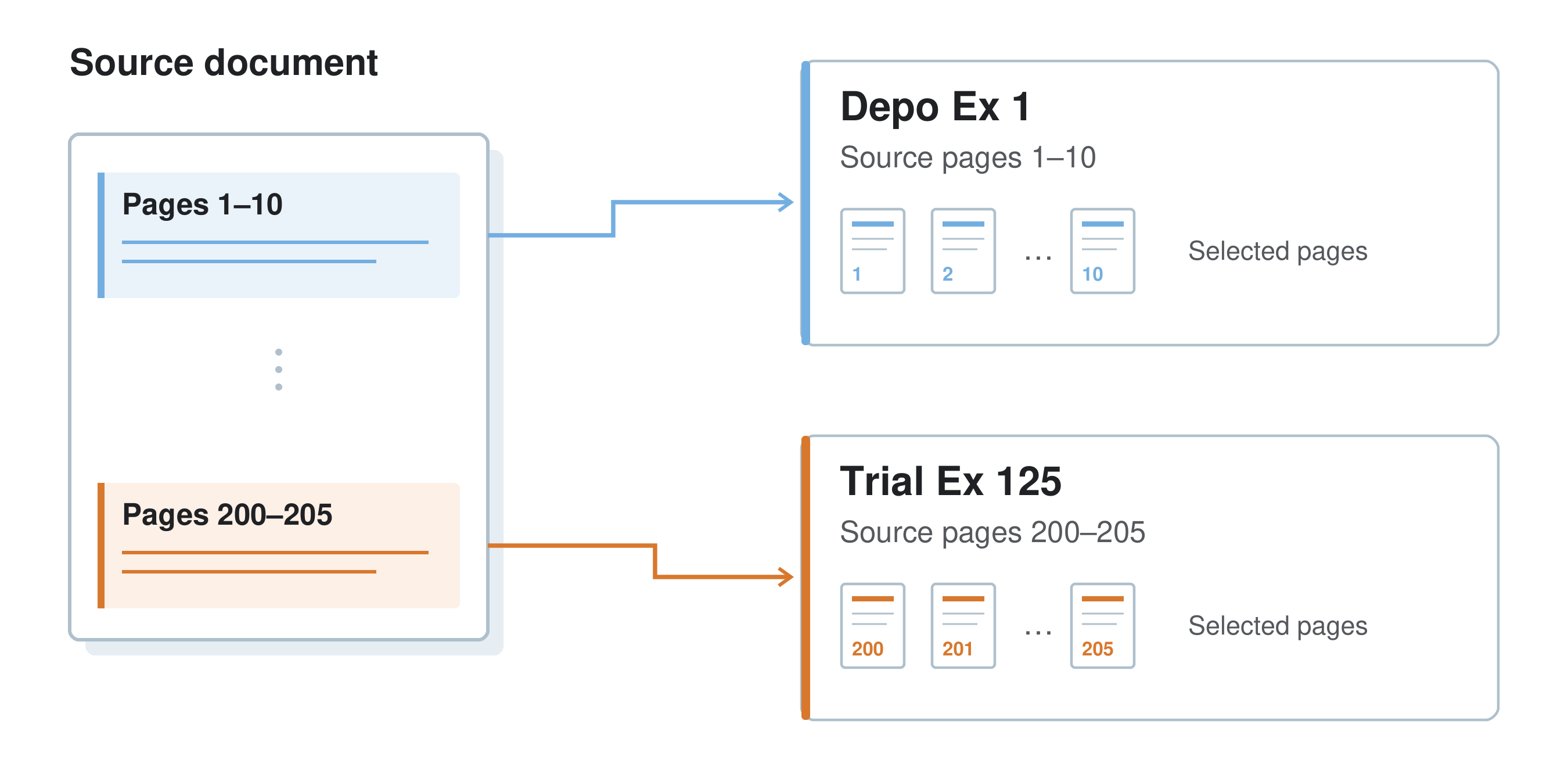
Keep each exhibit connected to its source document or video. Your team can organize and use the evidence while retaining that context.
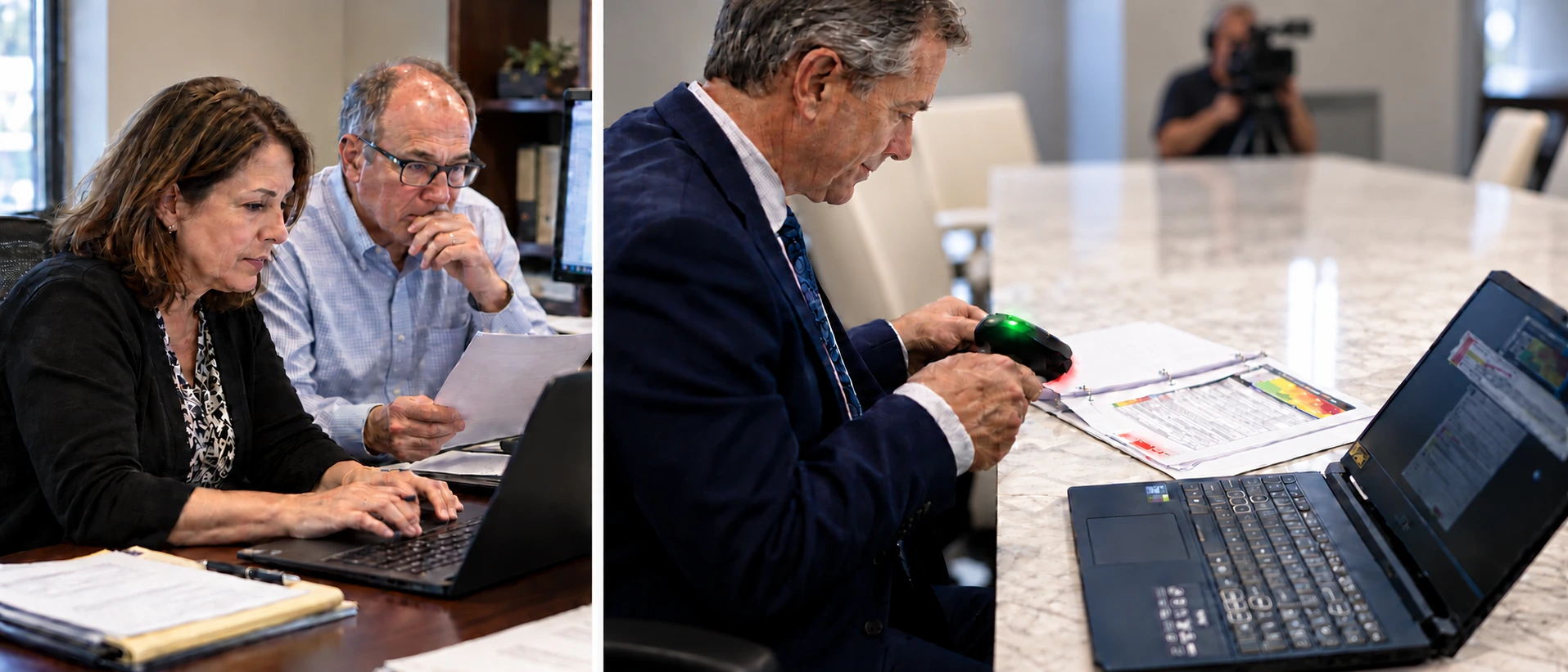
Work together from wherever the case takes you.
Attorneys and paralegals can advance preparation together in the connected workspace, whether they are in the same office or supporting the team remotely.
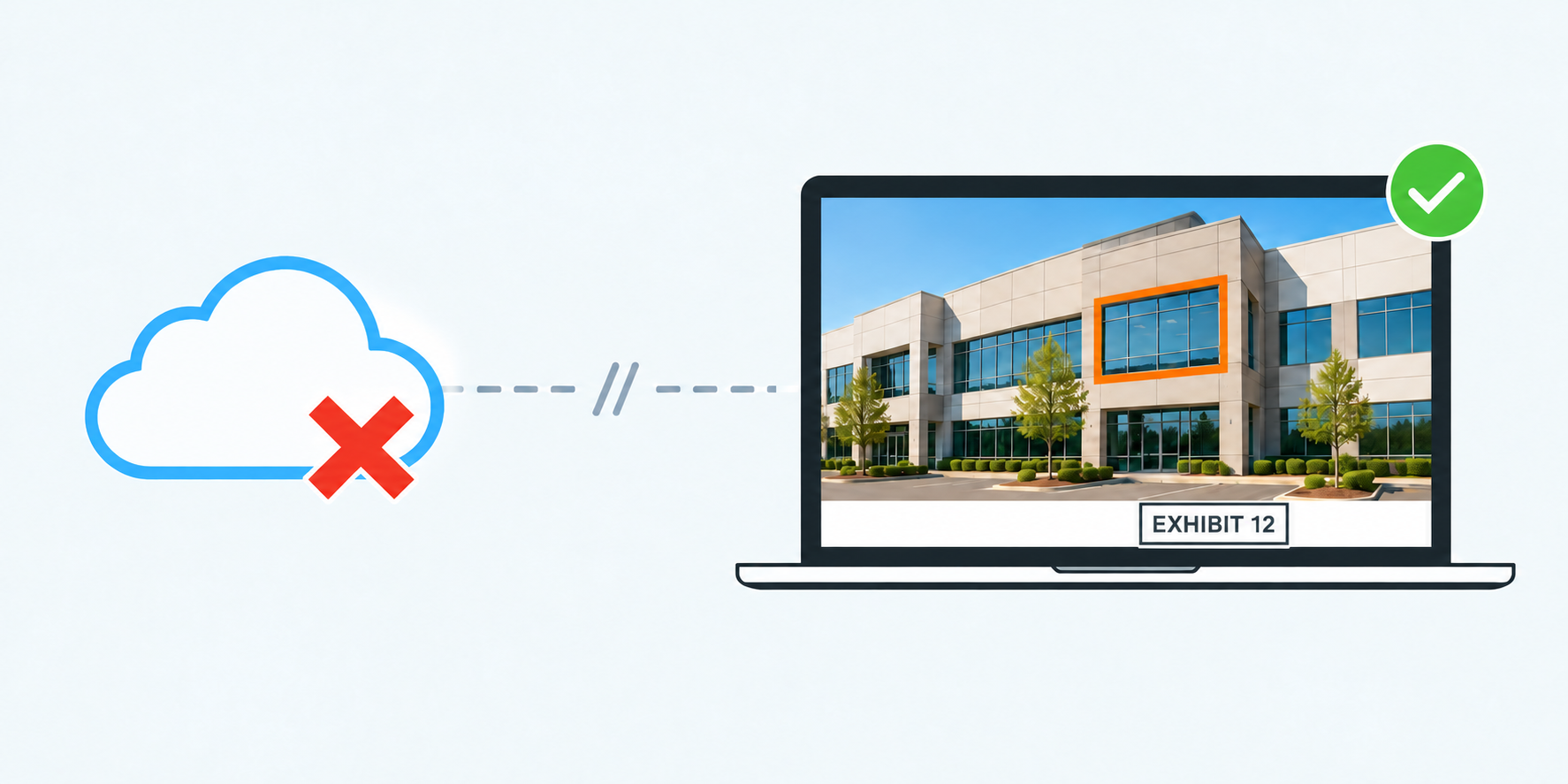
Take your preparation offline.
Litigen’s installed applications keep case data in sync on your trial laptops while connected. When you’re offline, Workspace and Presentation let you add evidence, create exhibits, and present evidence already synced to your laptop.
An internet connection is required for syncing, document text search, video editing and clipping, and Bates stamping.
Operate it yourself. Bring in support when you need it.
Your team can prepare and present evidence without being technology experts. Professional deposition recording and trial support are available when you need them.
What are you preparing for?
Schedule your next deposition, or see how Litigen can help your team put evidence to work.