
FOR PARALEGALS
Keep your team ready. Even when demands change.
Support your attorneys and clients with evidence that is ready when they need it. Activate evidence early and keep preparation moving forward, with less repeated work and more room to think.
Prepare documents and exhibits in Workspace, and review testimony and create clips in Studio. Keep that work connected and ready for your team.
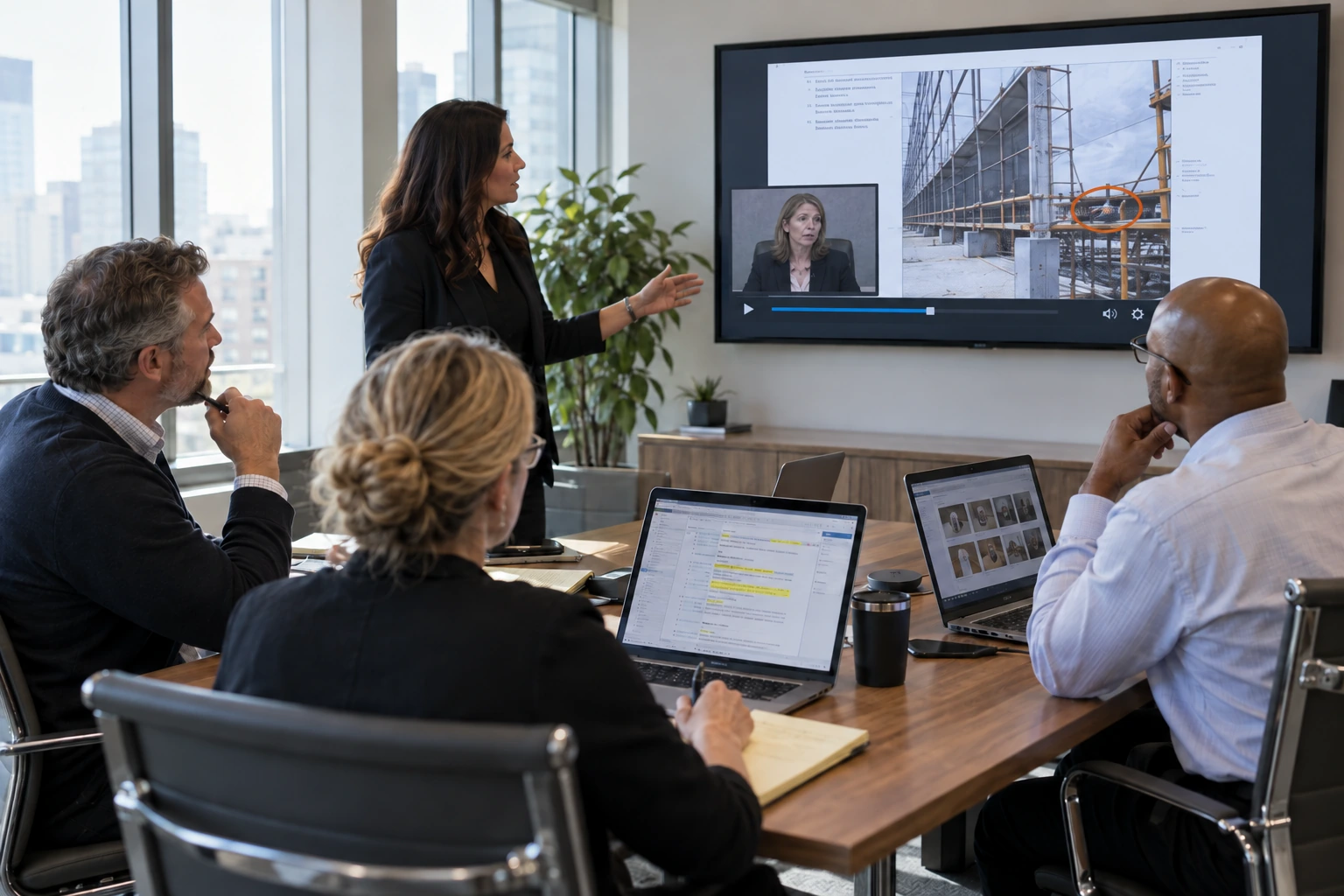
What’s on your to-do list today?
Find evidence, prepare testimony, and manage exhibits in a connected workflow. The work you do now carries forward as the case develops.
Find the evidence.
Search for words and phrases in document text and synchronized transcripts. Tag key evidence and concepts so your attorneys can return to what matters.
Prepare the documents.
Organize, redact, and Bates stamp documents as the case develops. Keep preparation connected to the source material.
Manage the exhibits.
Create exhibits, track exhibit numbers, and record notes and status in Workspace. Generate court exhibit lists from maintained exhibit information and track internal status without rebuilding separate lists.
Prepare the testimony.
Review the synchronized transcript and video together in Studio. Find a passage, make a clip, and arrange selected testimony for the next proceeding.
Prepare your attorney for the proceeding.
Evidence prepared and activated in Workspace is ready for Presentation. Put the documents, exhibits, and testimony your attorney needs within reach, without preparing them again in another system.
Keep the work moving forward.
A document you find today can support an exhibit tomorrow. Create exhibits, maintain their numbers and recorded statuses, and apply stickers in connected work rather than moving between disconnected PDF, spreadsheet and sticker applications. Batch exhibit creation reduces repeated individual steps, leaving more room to think as demands change.
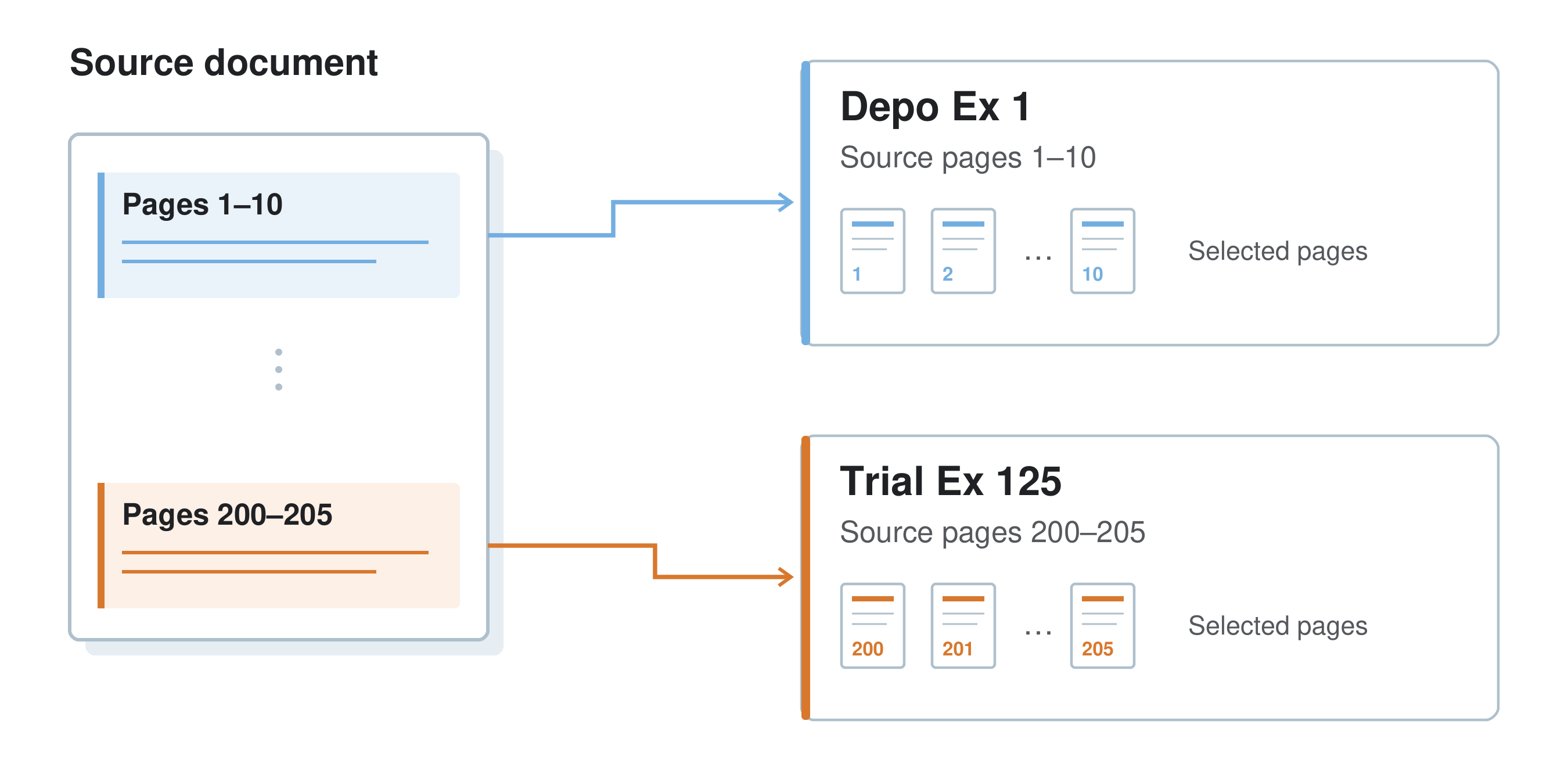
Exhibit stickers that do more.
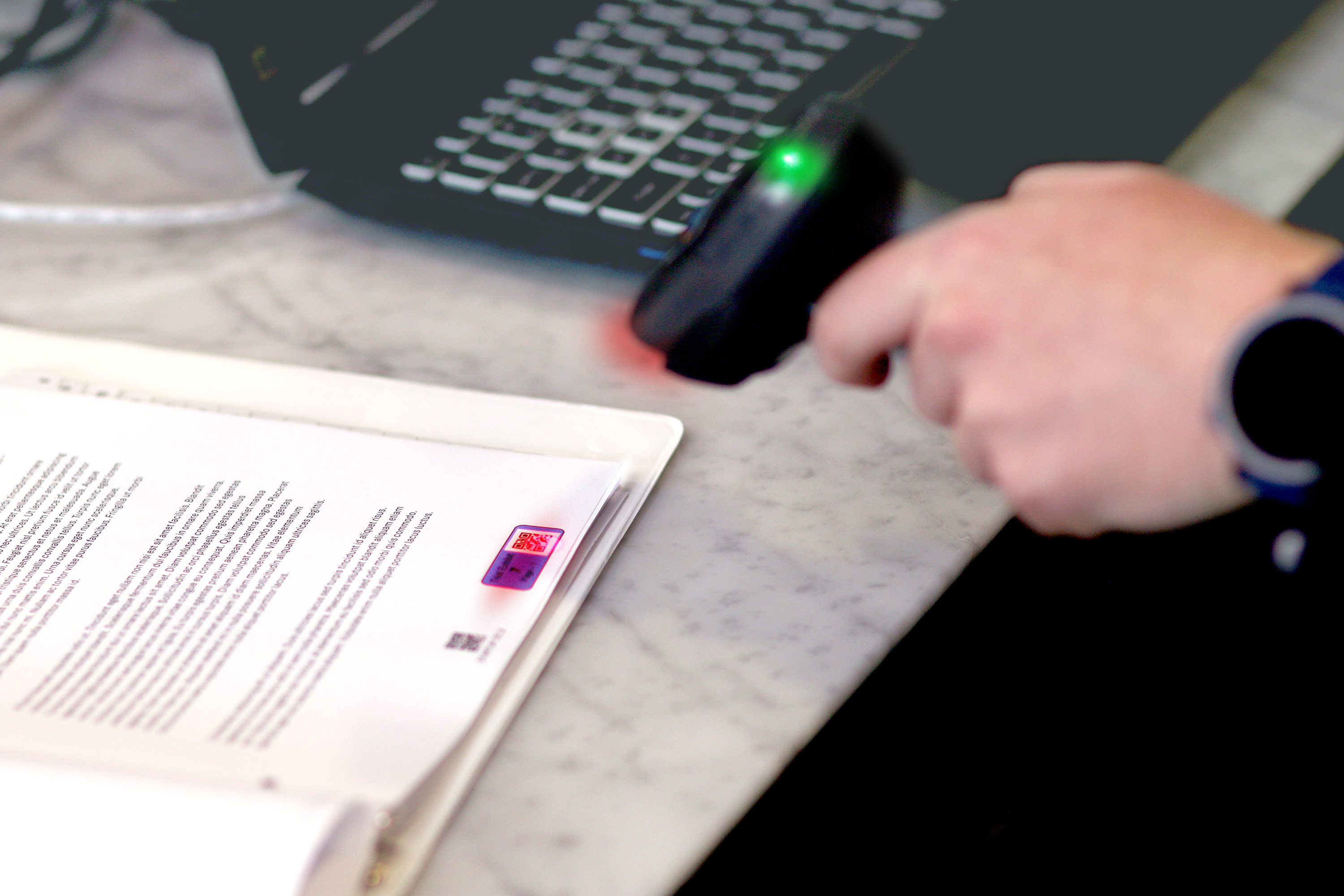
Set the colors. Assign the exhibit numbers. Litigen handles the placement.
Apply exhibit stickers in batches so preparation keeps moving without repeated manual placement. Identify each page, retrieve its digital counterpart, and visually track what has been shown. Keep exhibit details and recorded status connected to reduce duplicate entry and opportunities for errors.
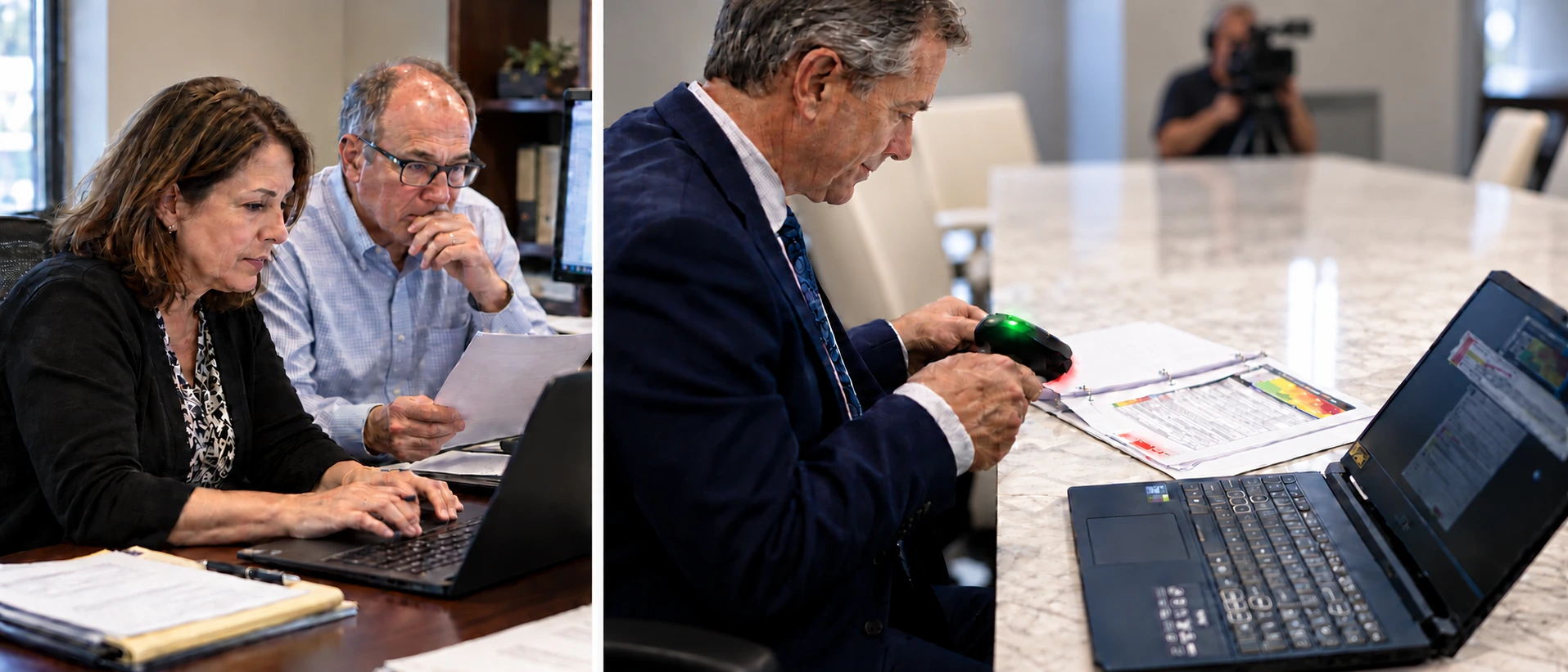
Support your team from anywhere.
From the back of the courtroom to the other side of the world. Collaborate in real time and get evidence to your team when they need it.
Keep your attorneys and clients ready.
Support the people relying on you with evidence that stays ready as demands change. Keep work moving forward with less repeated preparation.