
 Resources
Put Litigen’s tools to work
Explore practical workflows for preparing evidence, working with recorded testimony, and getting ready to present evidence in proceedings.
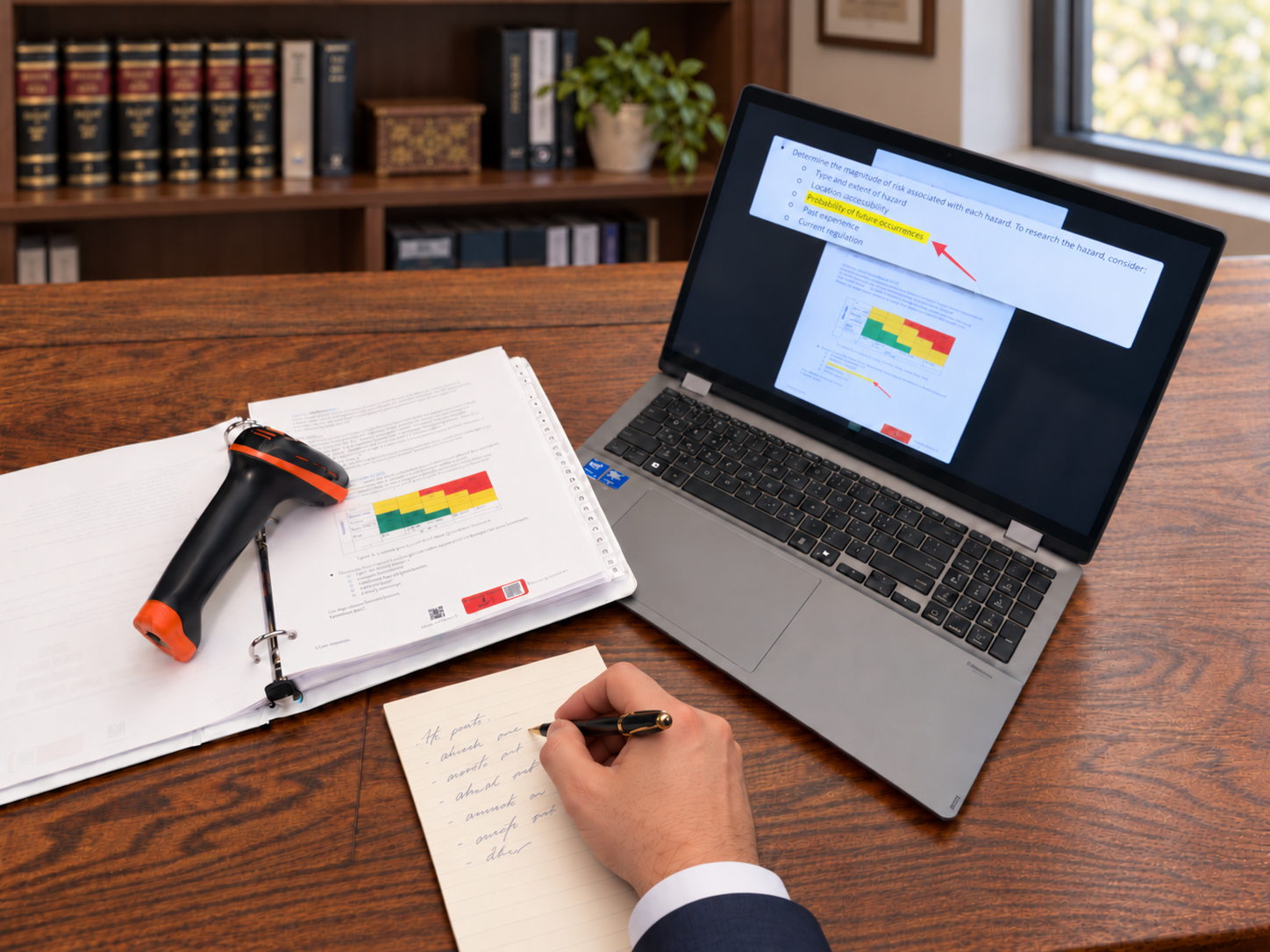
Explore the workflows.
Exhibit stickers that do more
See how exhibit page numbers, barcodes, and retrieval connect preparation with the evidence shown during proceedings.
Explore the workflowControl the presentation. Preserve the context.
Explore editing in Studio, Litigen’s video review, clipping and designation tool, with separate witness and evidence recordings captured during the deposition.
Explore the workflowCreate the clip as you prepare
See how clips created in Studio move into Workspace for activation and into Presentation for use in a proceeding.
Explore the workflow
Prepare for the next step.
Prepare for your remote video deposition.
A few decisions before the session help the recording support the work you need to do afterward.
Read the guidePrepare your evidence for presentation.
A prepared presentation includes both the evidence you plan to use and a working setup for putting it on screen.
Read the guide
Frequently asked questions
Product roles, AI rough transcripts, clips and designations, barcode activation and offline presentation.
Already using Litigen?
Talk with our team about training for the work you need to do next.